System Design / A beginner’s guide
ZooKeeper, step by step.
Let’s start with a story.
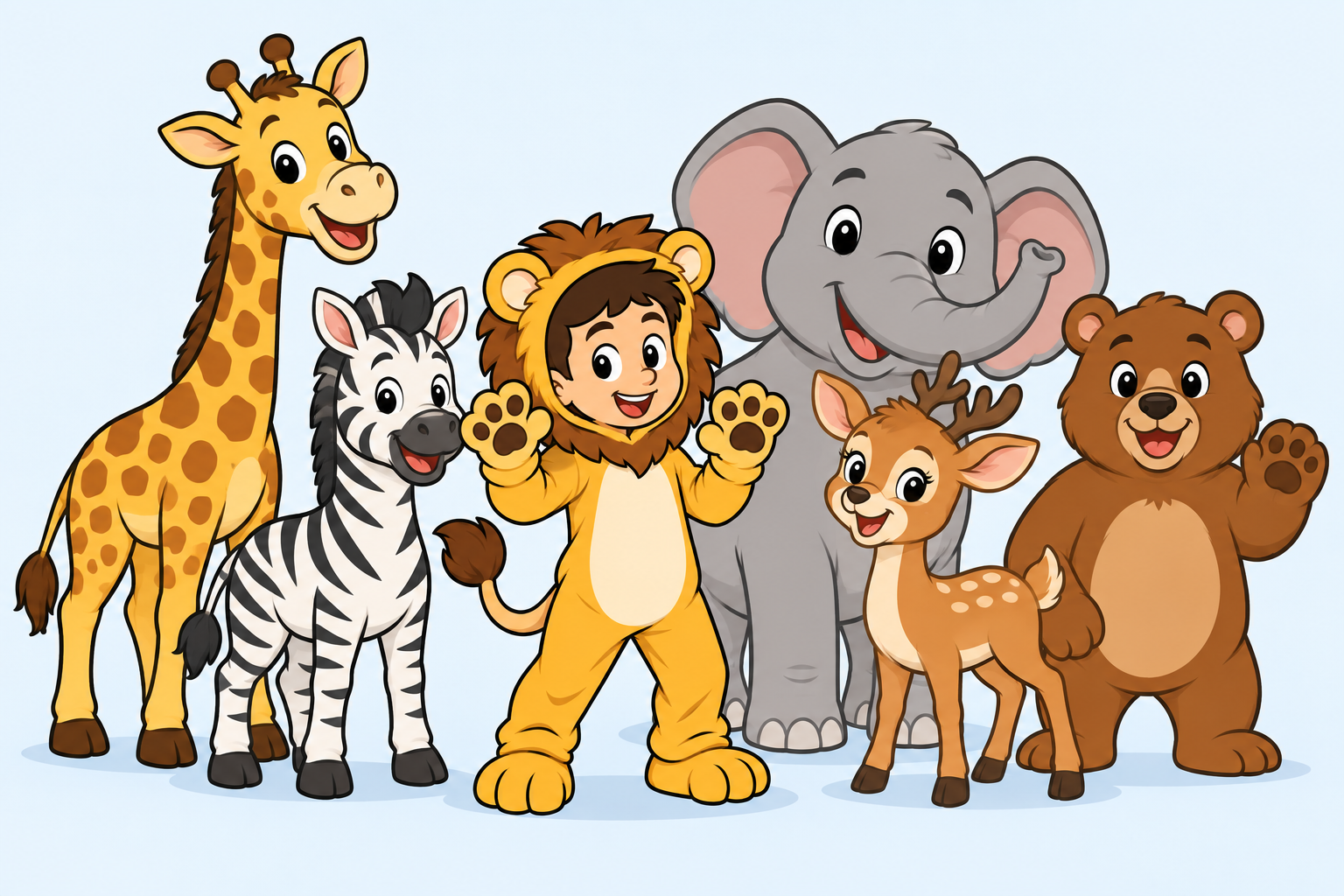
A little story before we begin
One water trough. Five thirsty animals. Lots of chaos.
It’s a hot afternoon in our zoo. Giraffe, Elephant, Zebra, Deer, and Bear have one small trough of water to share. They try to organise turns, but each animal has a different idea of the plan.
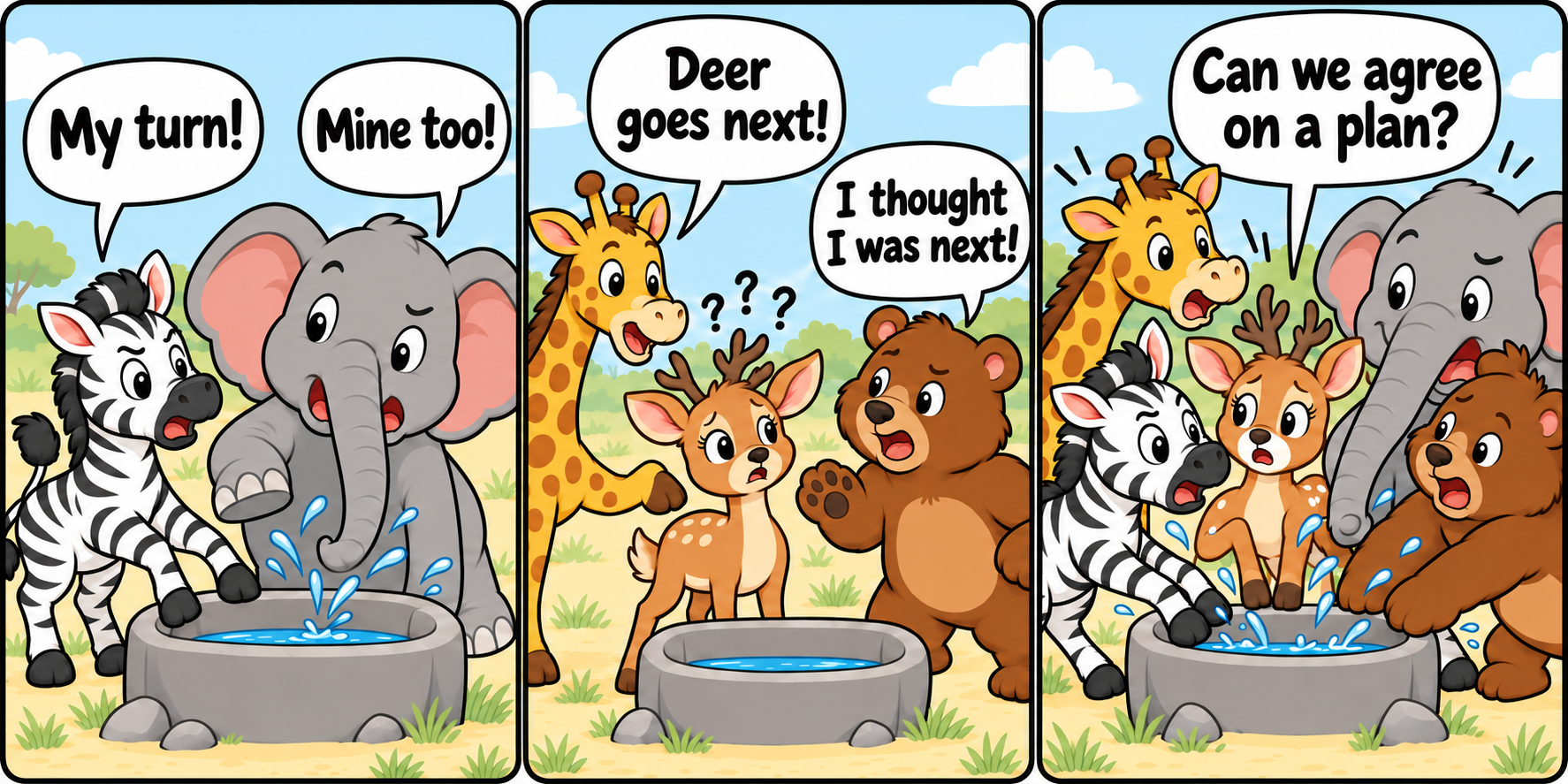
Zebra: “My turn!” Elephant: “Mine too!”
Giraffe: “Deer goes next!” Bear: “I thought I was next!”
Deer: “Can we agree on a plan?”
The animals are communicating, but talking alone has not created agreement. Two animals claim the same turn, different animals remember different orders, and some of their limited water spills while they argue.
What would help?

Water turns
- Zebra
- Deer
- Bear
- Giraffe
- Elephant
Here comes Taru, our zookeeper!
“Let me manage!”
“Let’s agree on one turn list. Zebra first, then Deer, Bear, Giraffe, and Elephant. Check the list, wait for your turn, and tell everyone when you’re done!”
Imagine a shared turn list that everyone follows: Zebra drinks, finishes, and passes the turn to Deer. Everyone can check the same list instead of guessing. The list helps organise access; the zoo still needs enough water for everyone.
In a software system, the animals represent application processes, and the trough represents a shared resource. Applications can use ZooKeeper to build coordination such as locks for taking turns.
1. What is ZooKeeper?
ZooKeeper is also called Apache ZooKeeper because it is developed and maintained by the Apache Software Foundation. It is a coordination service for distributed applications—applications whose services run on different computers or servers. ZooKeeper helps these services share information and coordinate their activities.
Imagine five services, represented by five animals, running on different servers across a network. Without a shared plan, they may disagree about who should act first. ZooKeeper gives them a shared place to check information and agree on their next action.
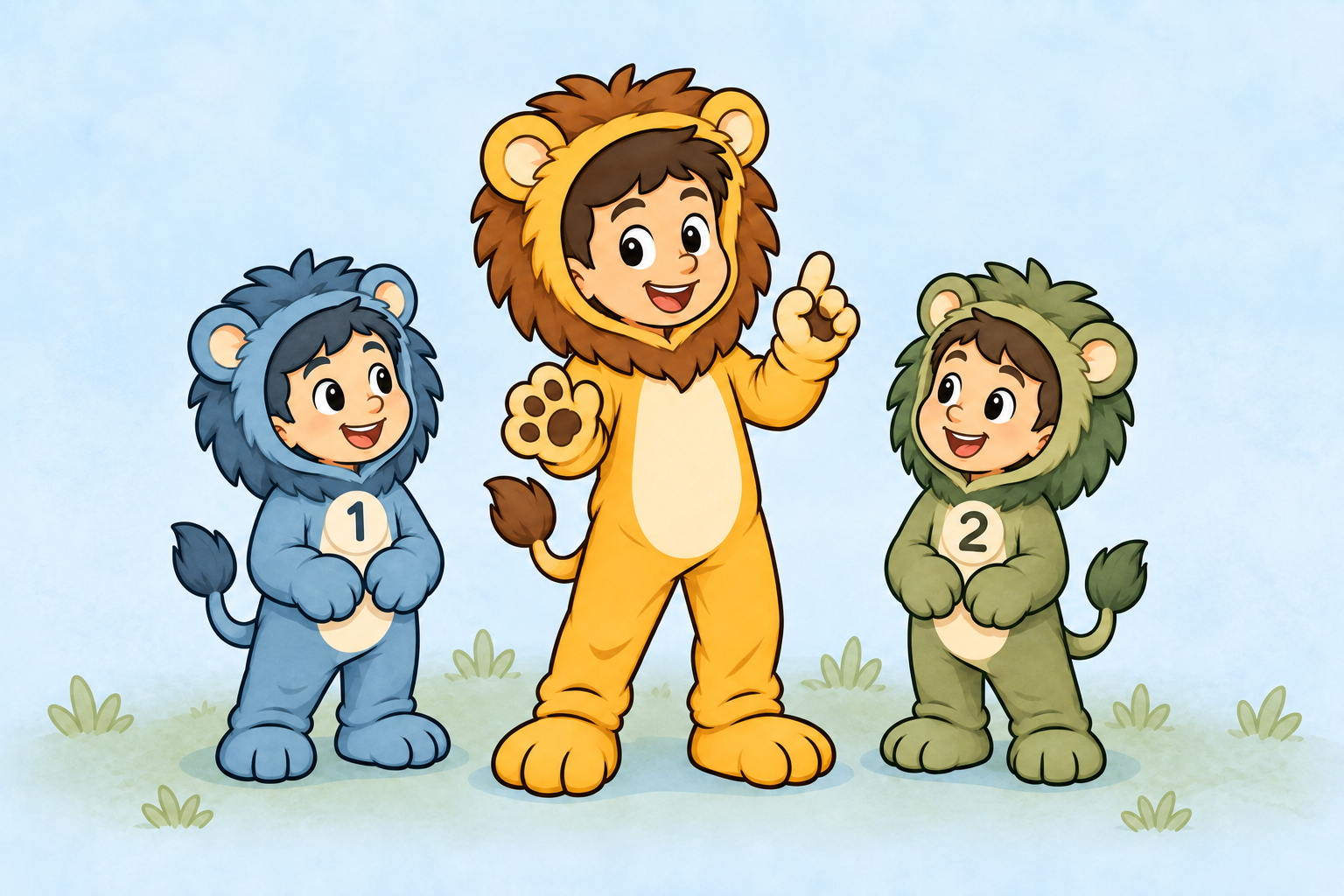
ZooKeeper is distributed too. The ZooKeeper service runs on multiple servers that work together as an ensemble. One server acts as the leader, while the other servers act as followers. This design helps the service continue working if one server fails.
In general, a group of servers is called a cluster. ZooKeeper uses a special term, ensemble, for its group of ZooKeeper servers. The three-server diagram below is only an example; a real ensemble can contain a different number of servers.
2. How does it work?
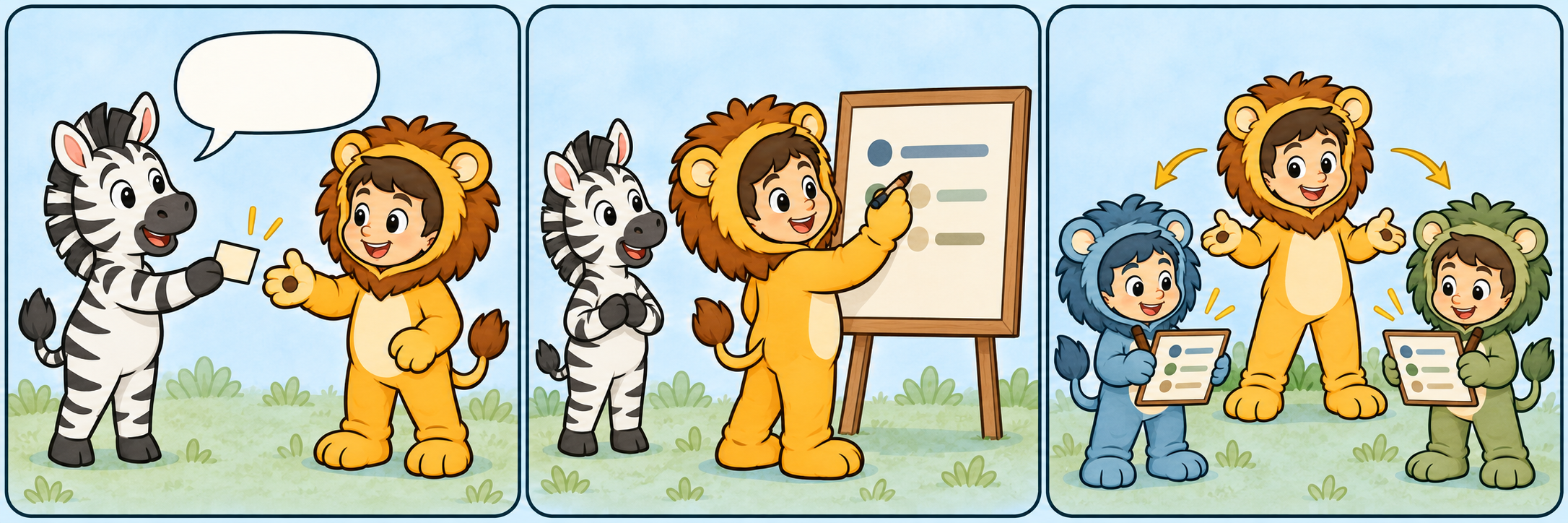
Each animal represents a service running on a different server. When a service needs to share a small piece of information, it sends that data to the ZooKeeper leader. The leader records it and copies the same update to the followers.
ZooKeeper organises this information like a folder tree. Each small piece of stored data is called a znode. If five animal services write one piece of data each, five znodes appear in the leader’s data tree, and matching copies are kept by the followers.
/zoo
├── zebra-status
├── elephant-status
├── deer-status
├── bear-status
└── giraffe-status3. Different types of znodes
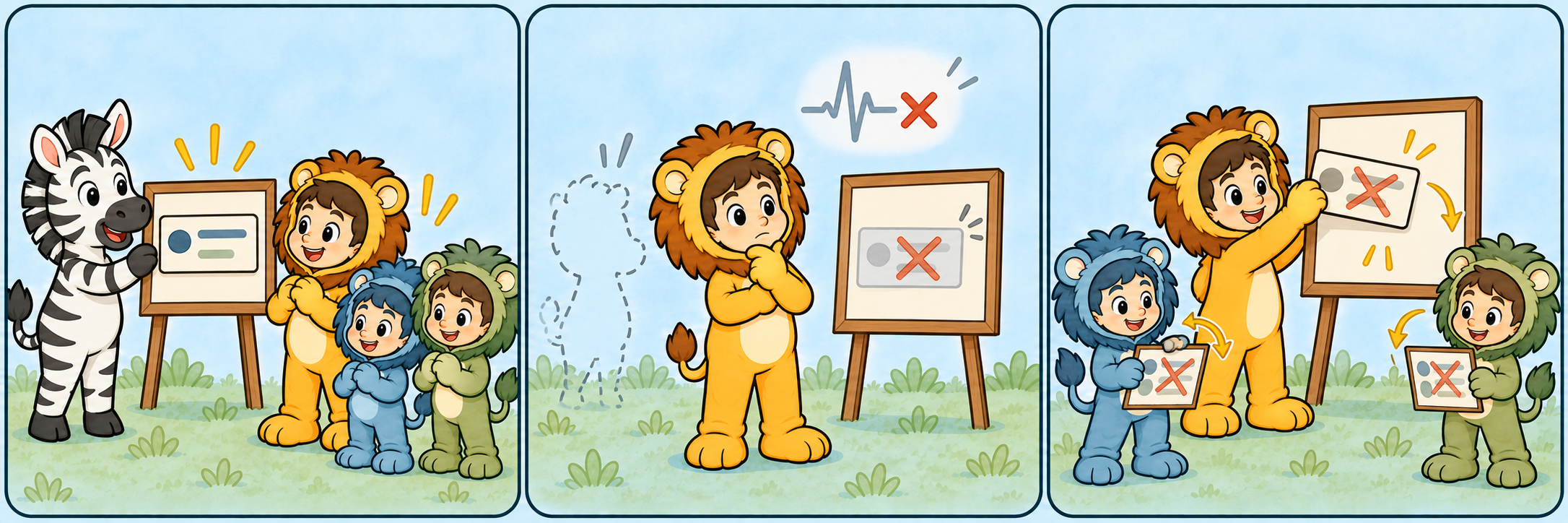
Ephemeral znode
Each animal service acts as a client of ZooKeeper. At regular intervals, the client sends a heartbeat to show that it is still alive.
When a client disconnects and its ZooKeeper session expires, the znode created by that client is deleted automatically. A znode with this behavior is called an ephemeral znode. ZooKeeper uses ephemeral znodes to track temporary information, such as whether a service is currently available.
For example, the Zebra service might create /zoo/zebra-status. If Zebra’s client session expires, ZooKeeper removes that status znode so the other services do not treat Zebra as available.
Persistent znode
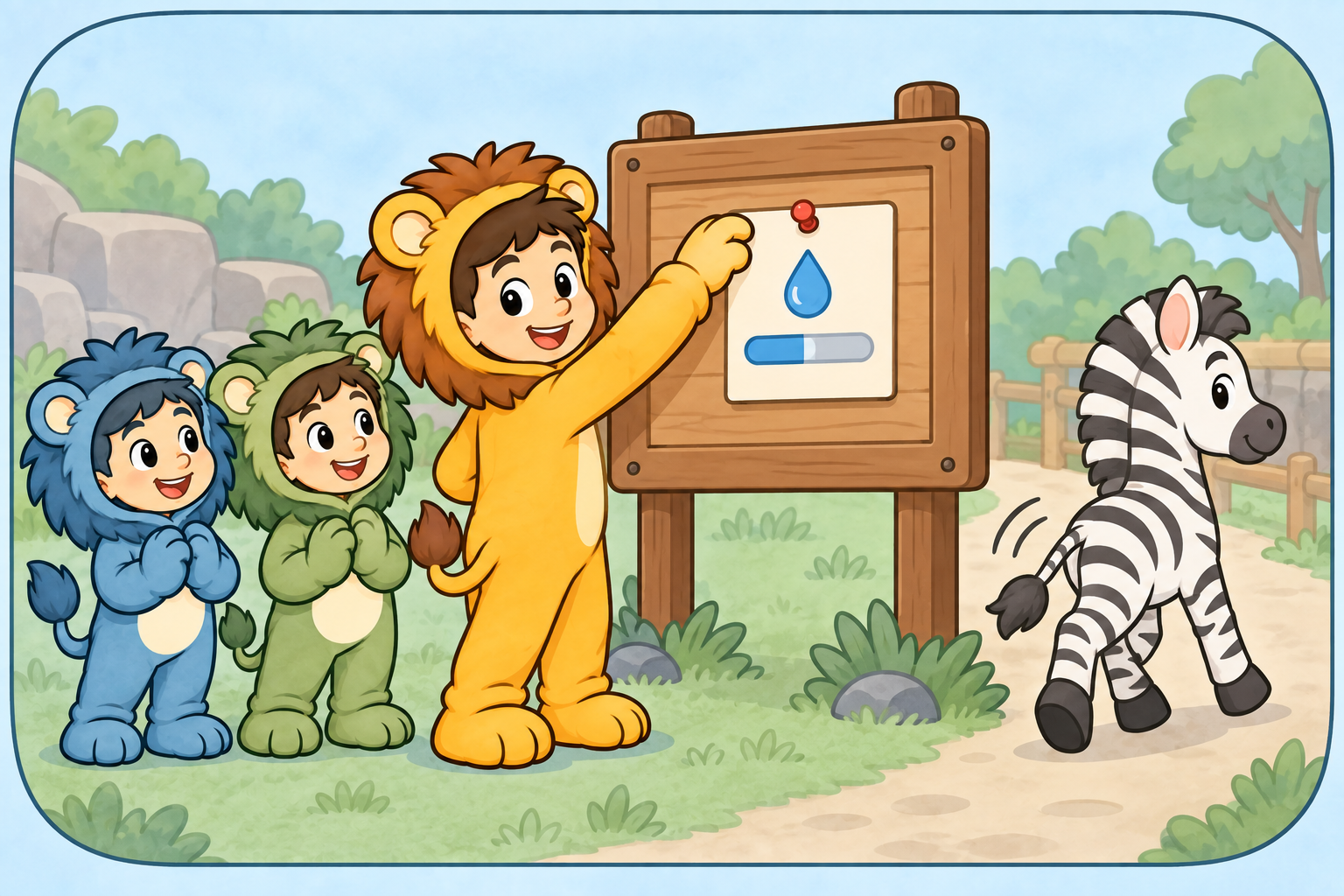
A persistent znode remains in ZooKeeper until an application explicitly deletes it. It is not automatically removed when the client that created it disconnects.
For example, the zoo can store its water limit in /zoo/water-limit with the value limit=1000-litres. Even if the service that created this znode disconnects, the znode remains available for other services to read.
Persistent sequential znode
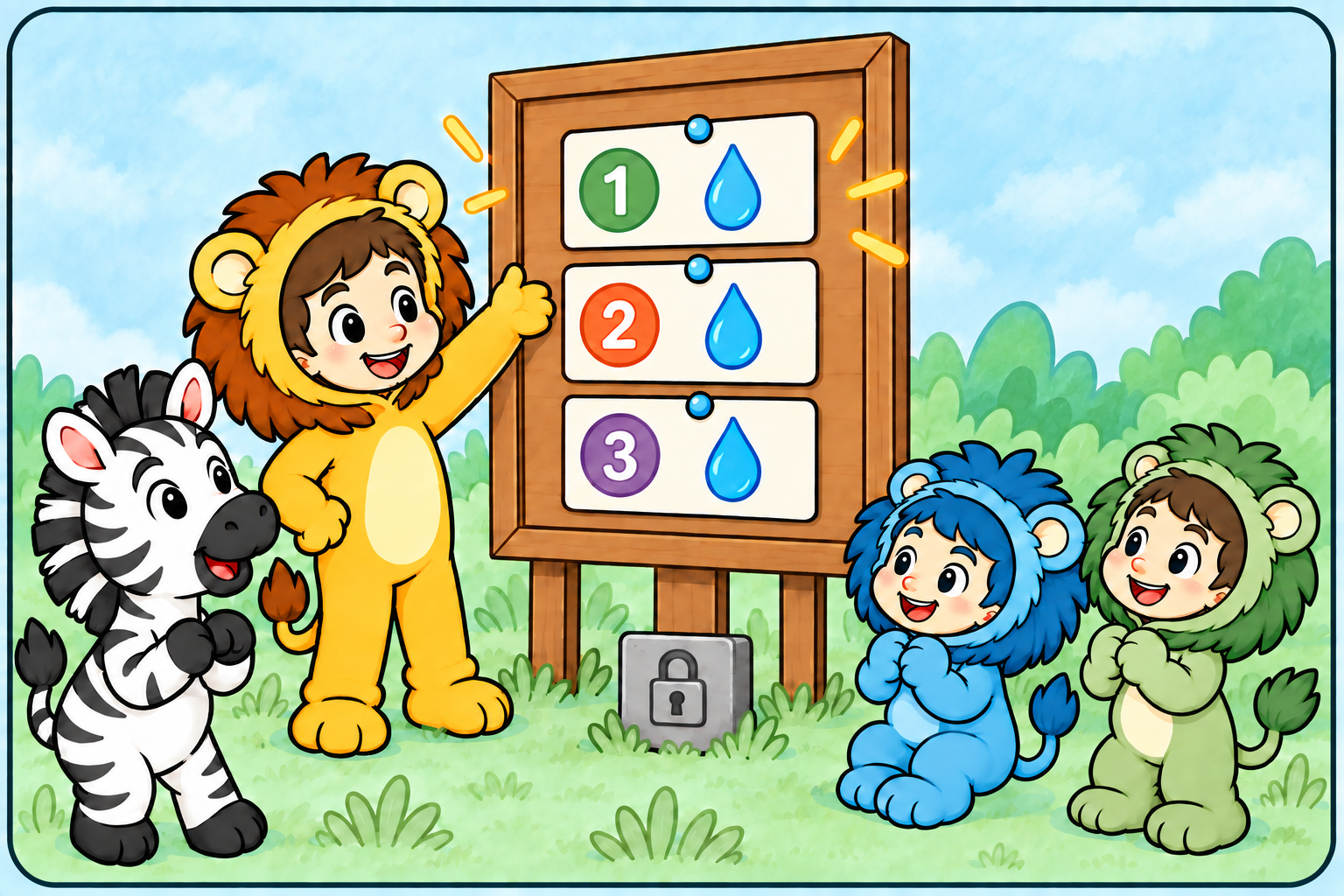
A persistent sequential znode remains until an application deletes it. ZooKeeper adds a unique, increasing number to its name.
For example, the zoo may create /zoo/announcements/notice-. ZooKeeper could create /zoo/announcements/notice-0000000001. This znode remains even if the creating service disconnects.
Ephemeral sequential znode
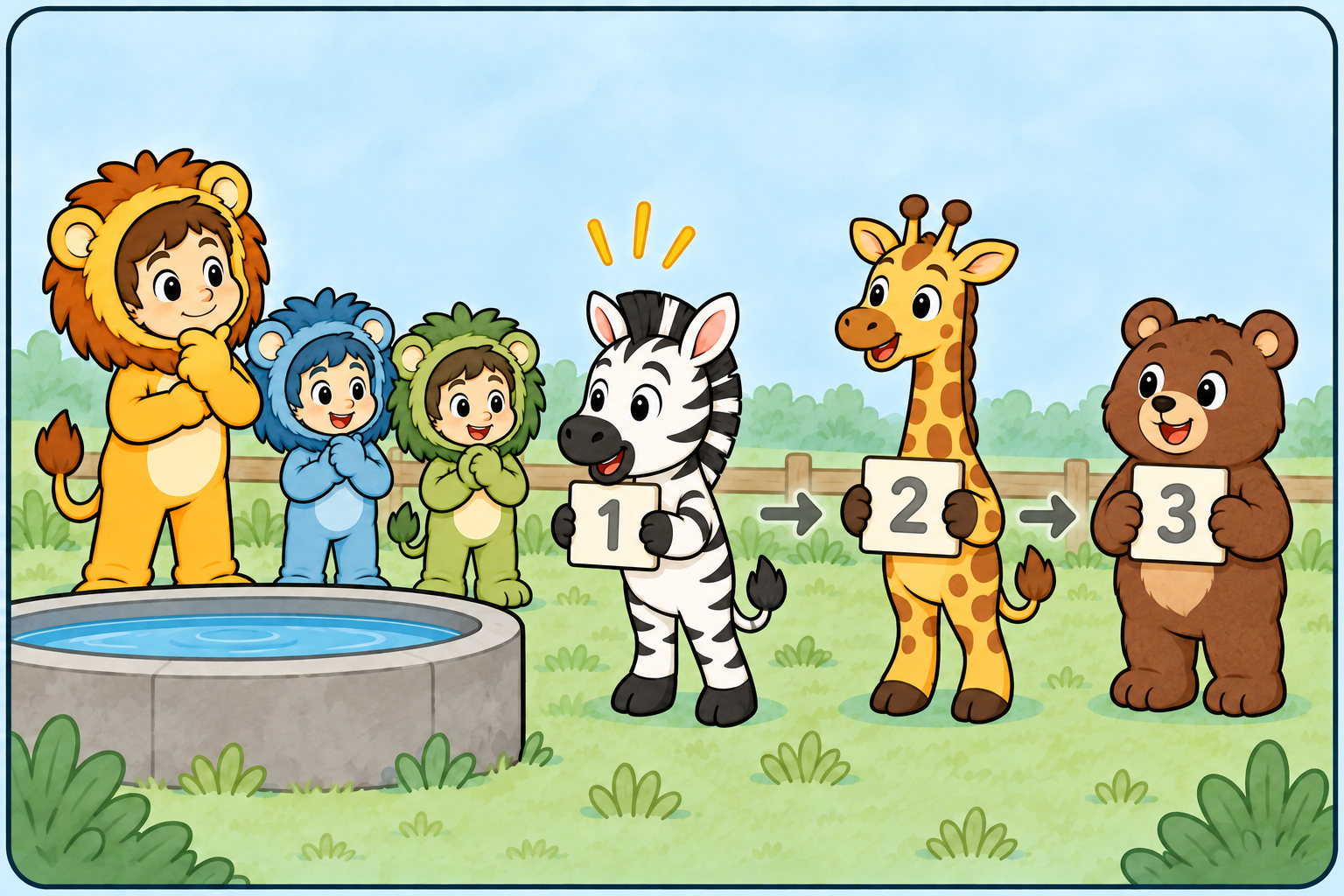
An ephemeral sequential znode has two behaviors: ZooKeeper adds an increasing number to its name, and ZooKeeper deletes it when the creating client’s session expires.
For example, animals could join a waiting line by creating /zoo/water-queue/animal-. ZooKeeper could create /zoo/water-queue/animal-0000000001. The number gives each animal a position in the queue. If an animal disconnects and its session expires, ZooKeeper removes its znode from the queue automatically.
Container znode
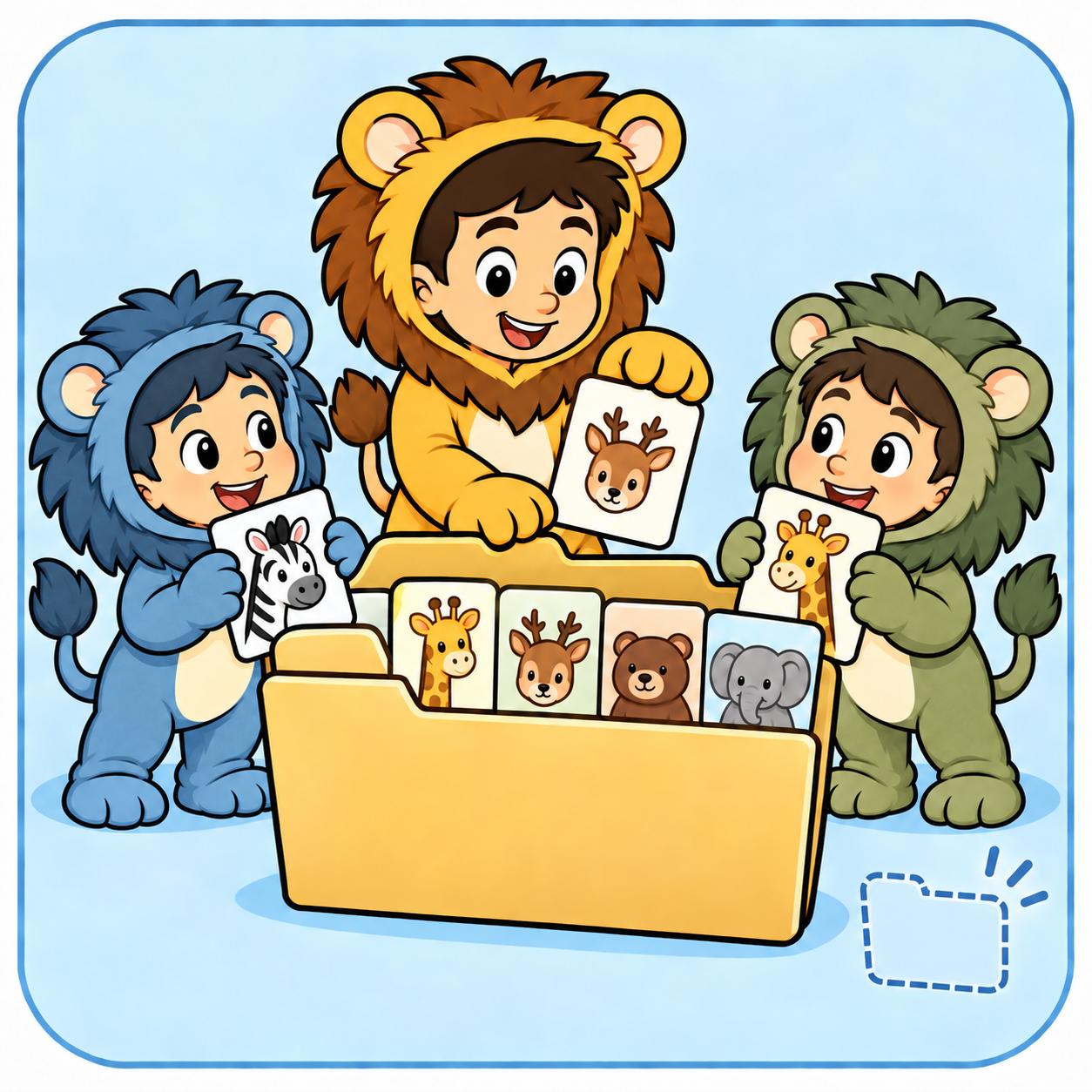
A container znode is a temporary parent for other znodes. When its last child is deleted, ZooKeeper can automatically remove the empty container.
For example, /zoo/water-queue can contain /zoo/water-queue/animal-0000000001 and /zoo/water-queue/animal-0000000002. When all animals leave and the child znodes are deleted, ZooKeeper can remove the empty queue container.
TTL znode
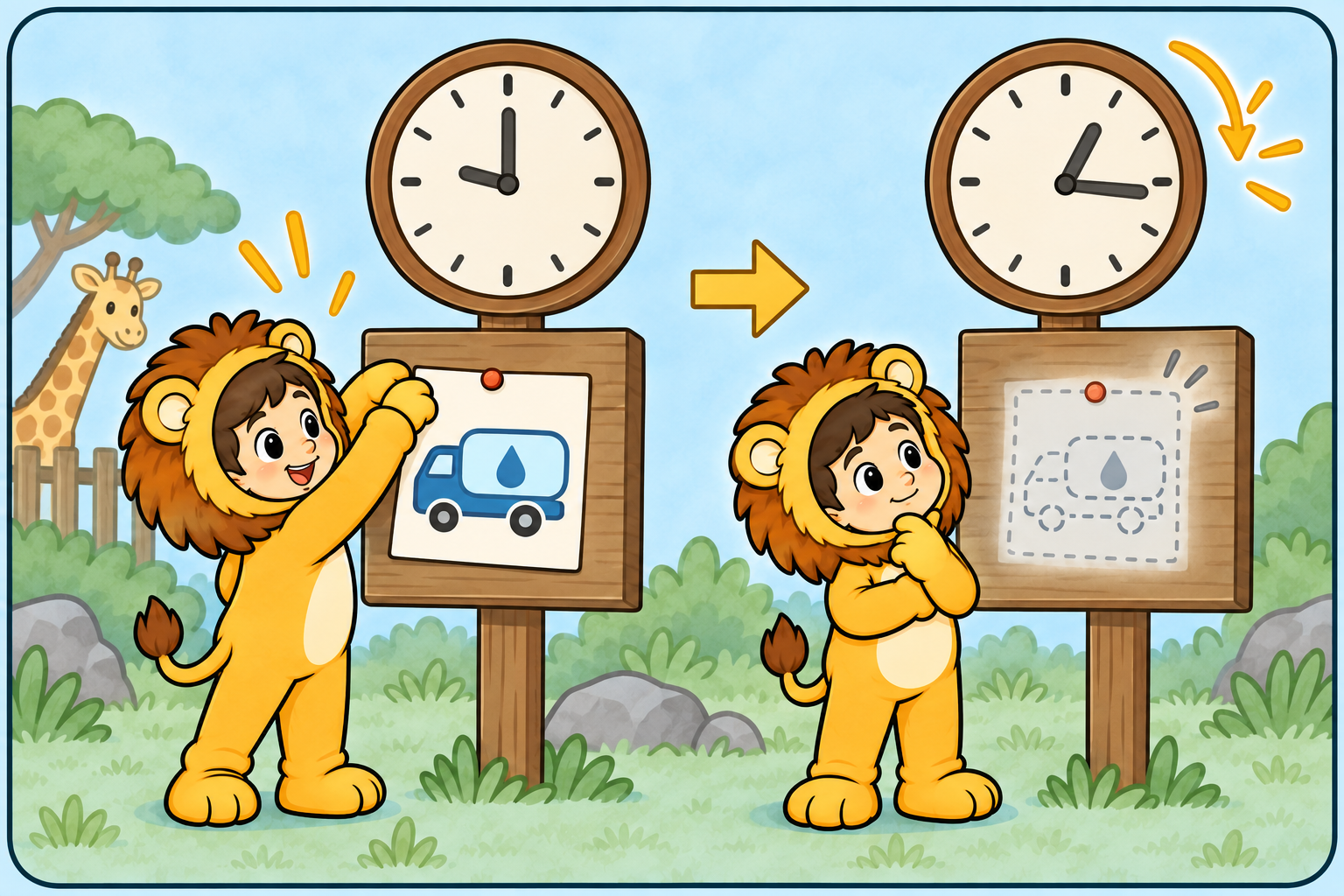
A TTL znode has a time-to-live value. If it is not updated before the TTL expires and it has no children, ZooKeeper can automatically remove it.
For example, the zoo may create /zoo/temporary-notice with a TTL of 10 minutes for the message Water truck arriving soon. If the notice is not updated and has no children after 10 minutes, it becomes eligible for deletion. TTL nodes must be enabled in the ZooKeeper server configuration.
| Type | Behaviour | Example |
|---|---|---|
| Persistent | Remains until explicitly deleted, even after its creator disconnects. | Shared configuration |
| Ephemeral | Deleted when its creating session ends. Cannot have children. | A worker’s registration |
| Persistent sequential | Persistent, with an automatically appended sequence number. | Ordered entries |
| Ephemeral sequential | Session-bound, with an appended sequence number. | Election candidates |
| Container | Eligible for automatic cleanup after its last child is deleted. | Parent for temporary coordination entries |
| Persistent with TTL | Eligible for cleanup when unmodified for its time to live and childless. Also has a sequential variant; requires server configuration. | Expiring entries |
4. How writing happens in a ZooKeeper cluster
First: quorum
A quorum is the minimum number of voting servers that must agree before ZooKeeper accepts a change. It is a majority of the ensemble: two of three servers, or three of five.
For example, in a three-server ZooKeeper ensemble, the leader and at least one follower must acknowledge a write. If only one server is available, ZooKeeper does not commit new writes because it no longer has a quorum.
Second: the Zab protocol
Zab means ZooKeeper Atomic Broadcast. It helps every ZooKeeper server apply committed changes in the same order. “Atomic” means a change is committed completely or not committed at all; it does not mean every server updates at precisely the same instant.
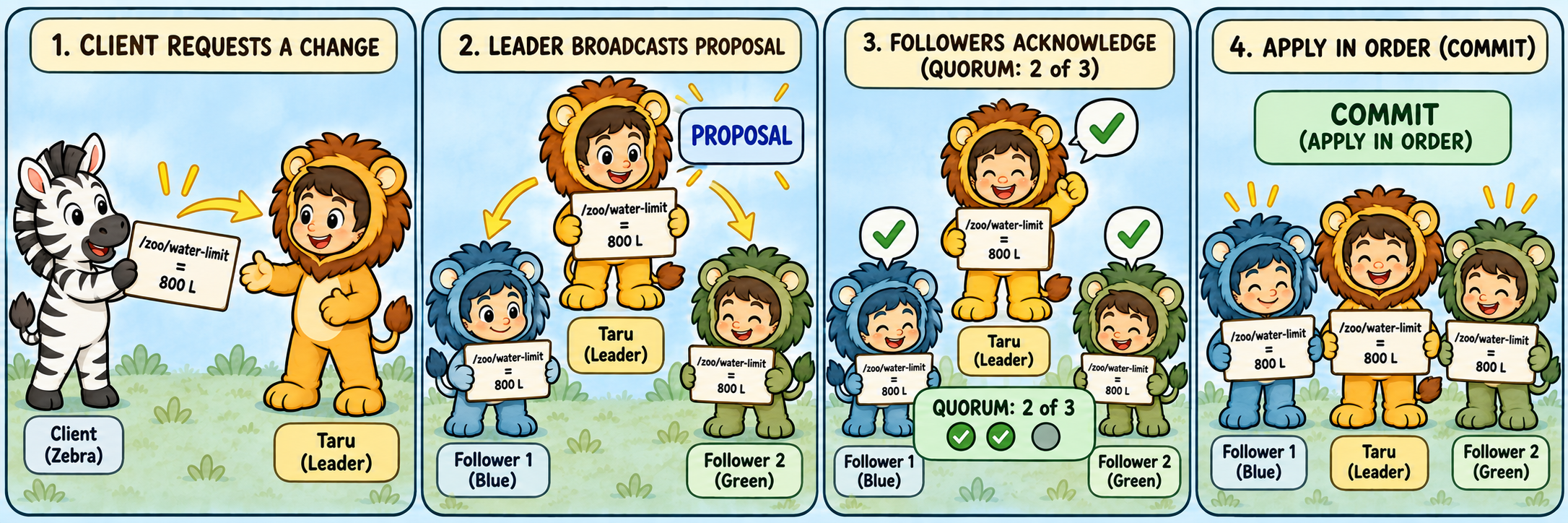
- A client requests a change, such as setting
/zoo/water-limitto1000-litres. - The request reaches the leader, which assigns a transaction ID (zxid) and broadcasts a proposal.
- Follower servers record the proposal durably and acknowledge it.
- Once a quorum acknowledges, counting the leader, the leader commits it.
- Servers apply the committed change in order; the client receives a success response.
5. How clients are informed of changes
A watch asks ZooKeeper to notify a client about a relevant change: a znode appearing, disappearing, changing data, or changing its children.
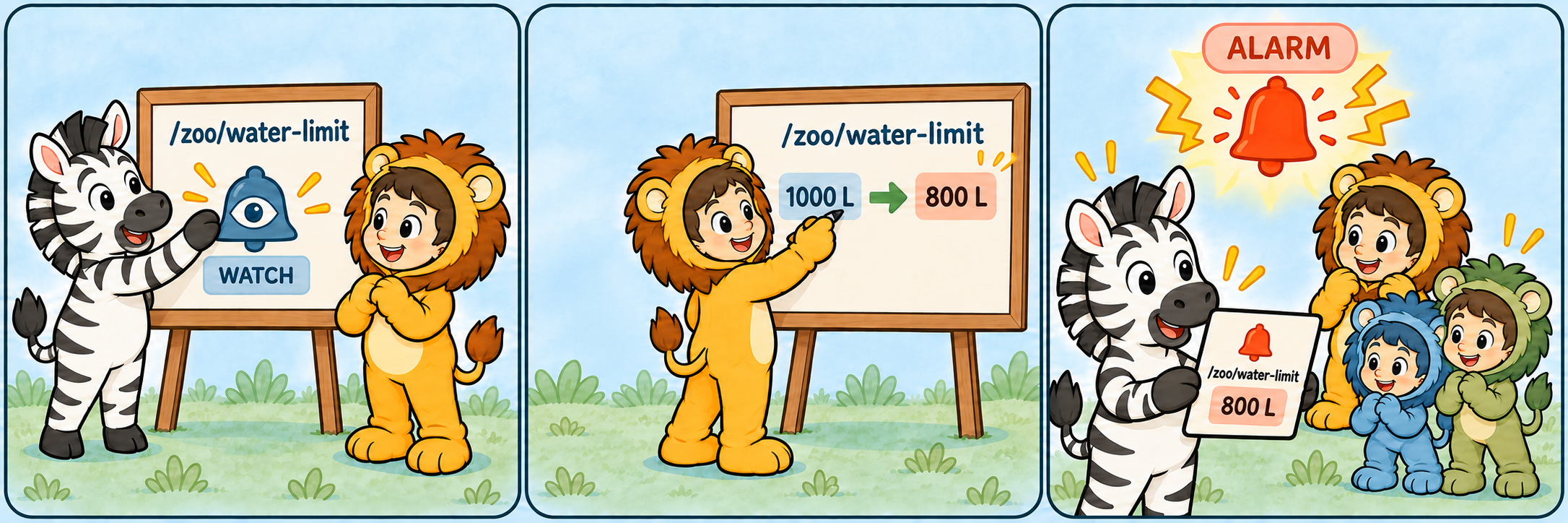
/zoo/water-limit. When the value changes, ZooKeeper sends Zebra a notification.An animal service can read a znode and set a watch at the same time. For example, the Zebra service can watch /zoo/water-limit. When that znode changes, ZooKeeper sends Zebra a notification. Zebra then reads the znode again to get the latest value; the watch event tells it that something changed, but the event does not contain the new data.
Standard watches trigger once. After receiving an event, the client must read the znode again and register another watch if it wants to hear about future changes. A watch is a notification, not a complete history of every change, so clients should always read the current value.
ZooKeeper also supports persistent watches, which remain registered after they trigger, and persistent recursive watches, which can watch a znode and its descendants. While disconnected, a client may not receive watch events; after reconnecting, it should read the current state and register its watches again as needed.
Continue learningZooKeeper practical with Docker →
Install Docker and start your own three-server ensemble.